Introduction to the ED.X and NUCLEUS Devices and software.

Introduction to the ED.X and NUCLEUS Devices and software.
APPENDIX Changes made with Update no.43 & 44 From the latest update made this last week, Update no. 43& 44, some basic changes have been made. As soon as you click the close button on this panel where the device is found, you shall enter the password panel directly,...
The Chain Reaction Function is one of the latest features that the ED.X and NUCLEUS present. It assists significantly in the therapy, making the therapy right from the start more focused on what you wish to work on, getting to the basic cause and issue of the person and...
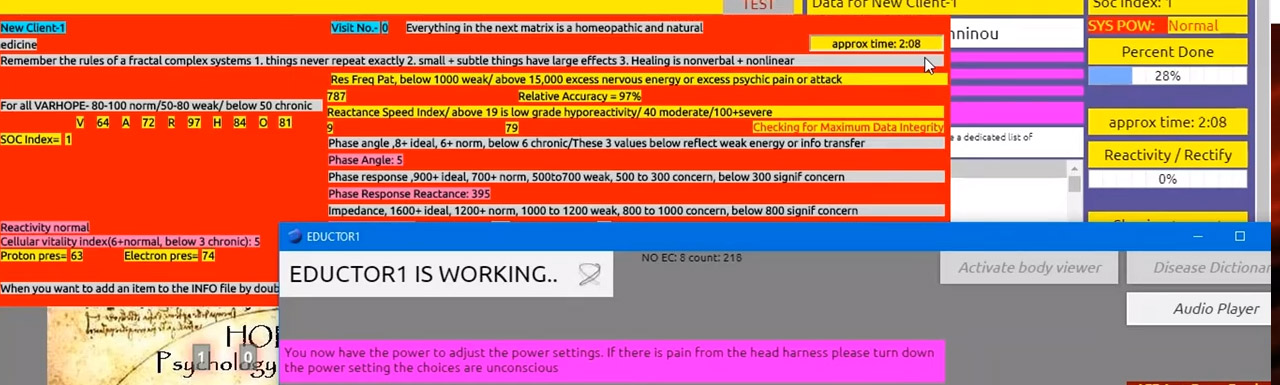
BLUE INFO GRID Once the test process is complete, the main matrix appears with a blue info grid box. The blue info grid, lists all the details from the VARHOPE panel, as a reminder.It also lists reactions to stress in categories of Environmental, physical, mental, social, and spiritual. The...
The VARHOPE panel first appears by clicking TEST in the main panel, after you have gone through the process of Calibration. They are the initial reactivity numbers after the first handshake of the Calibration. You can also access the VARHOPE screen, from the VARHOPE button: The VARHOPE values (appearing...
PULSAR – Simplicity Report This report gives you basic information on the client’s reactions to voltammetric signatures in 8 chapters, more specifically in voltammetric signatures reactivities on Spinal, Meridian, Digestive, Nutritional, Hormonal, Food and Environmental, Coma Toxicology, and Emotional Signatures. Steps to load the Simplicity Report: From the Main...
This is a video describing the updating process of the ED.X and NUCLEUS Device software. When you start your program, in case you are connected to the internet, the program automatically checks for updates available on our server. In case there is an update available, it will offer you...
This is an educational video for the PULSAR software, describing the testing part of the software. This process will reveal the body’s response to over 10,000 frequencies, showing potential weaknesses and strengths. After the Calibration process mentioned above, we are ready to proceed with Testing. Click Test (from the...
This is an educational video for the new PULSAR software, describing the start-up process of the program.
Intro Demographics, Calibration Training Conclusion