
The Chain Reaction Function is one of the latest features that the ED.X and NUCLEUS present. It assists significantly in the therapy, making the therapy right from the start more focused on what you wish to work on, getting to the basic cause and issue of the person and the age at which the issue began, very quickly, precisely, and only within a few seconds after testing.
From the main program, you first want to search for the item/issue of the main concern that your client may have. Let’s say in our example it is eczema.
Put the word “eczema” in the Search for Item field on the bottom right of the main panel.
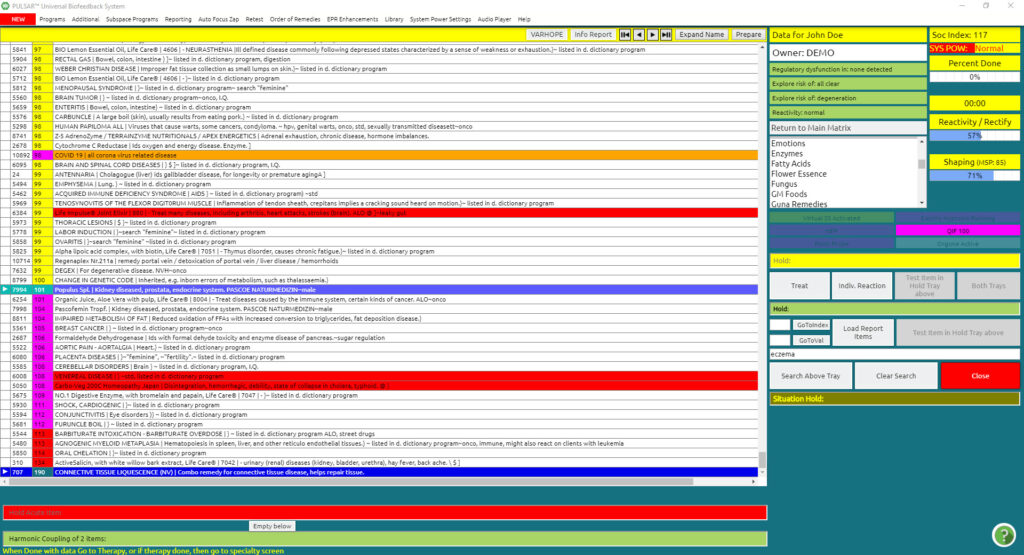
Click Search Above Tray
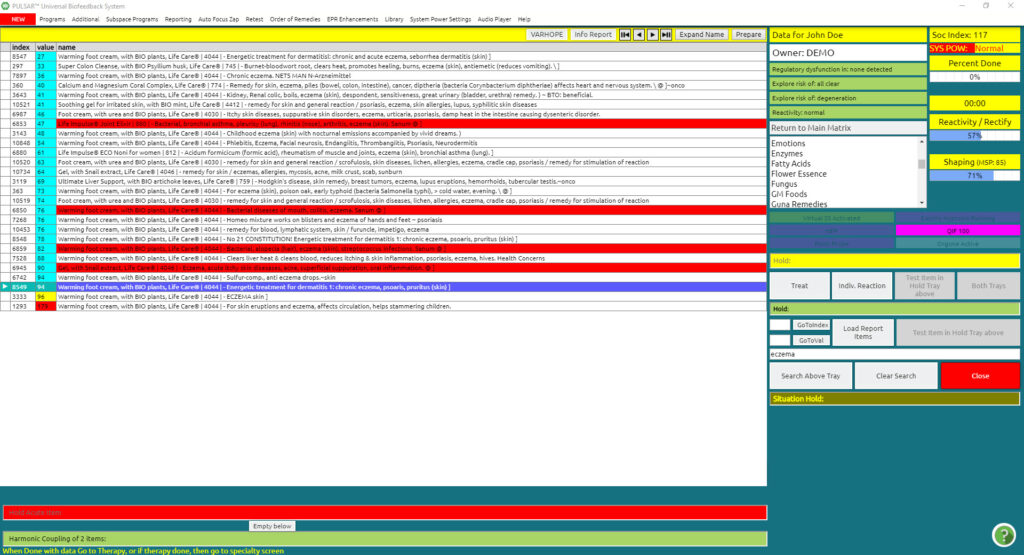
By searching the area of concern in the Above Tray (in our example “eczema”), all the items that are connected to our issue react and are filtered in the matrix.
Please take note of the item at the bottom of the list, with the highest reactivity value (in our example it is 95). Please remember this number.
The next step is:
Click Return to Main in the subfiles on the right upper side.
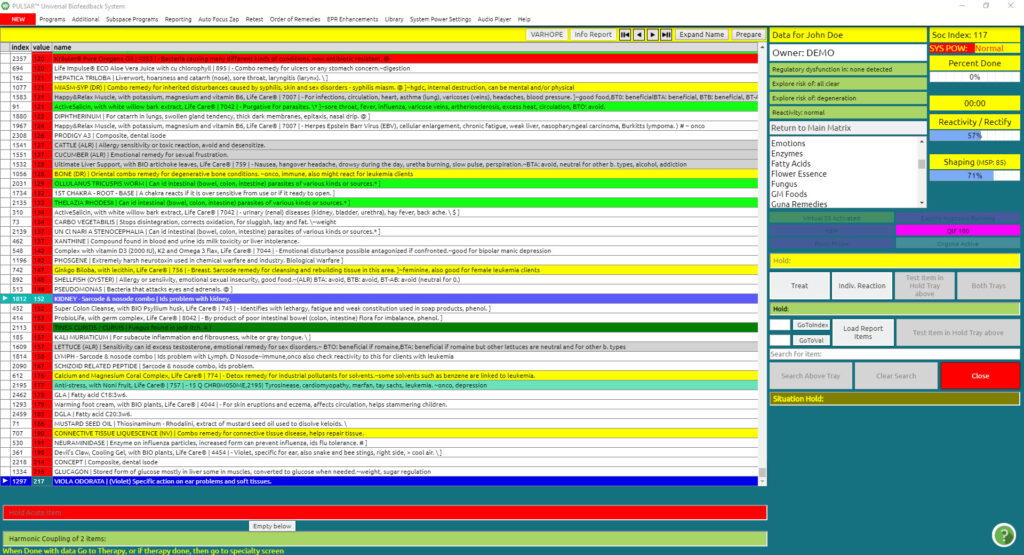
This will take you back to the main matrix panel.
Go to the Additional drop-down menu
Click the Chain Reaction button in the drop-down menu
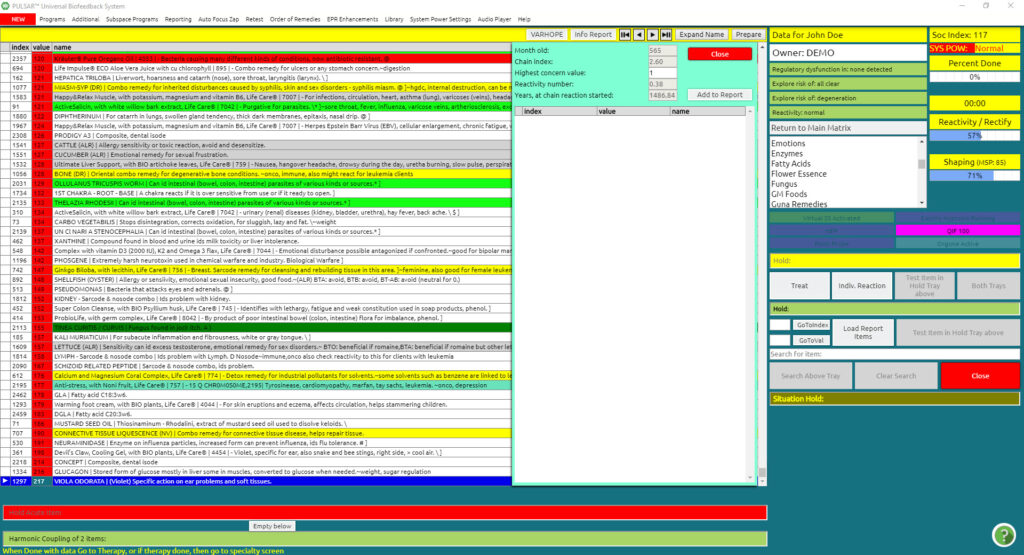
The above panel appears on top of the blue info grid panel.
In the third line called Highest concern value, you should put the value of the highest reactivity item that you previously memorized (in the eczema example it was 95).
Automatically, in Years, at the chain reaction started the device will show us the age when the main issue for the area concern (eczema) started (in our case at 24 years).
Also, it will tell us that we can find the causes of our issue within the Reactivity number of 26.
At this point, we can look at all the items with a reactivity value of 26, to see the main issues in our client’s life at that period of time. Additionally, we can discuss with the client possible difficulties that occurred at that specific age (24 years in our example).
Click Add to Report
This will add all the items with a reactivity value of 26 into the blue info grid box, to work as a piggyback field therapy throughout our session.
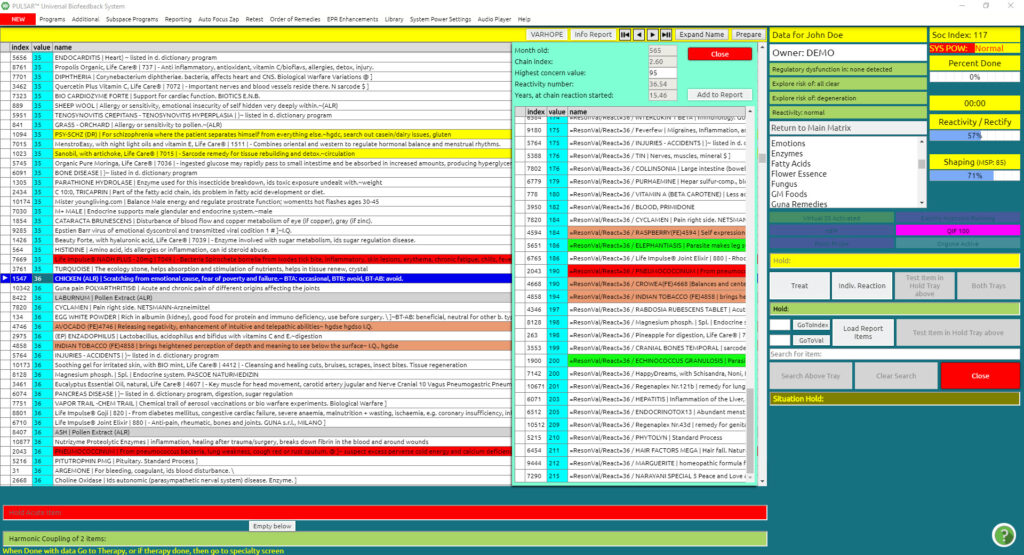
Click Load Report Items in the middle of your screen to load these items in the blue info grid box for piggyback therapies.
Report Items Loaded will appear on the purple tray on the side.
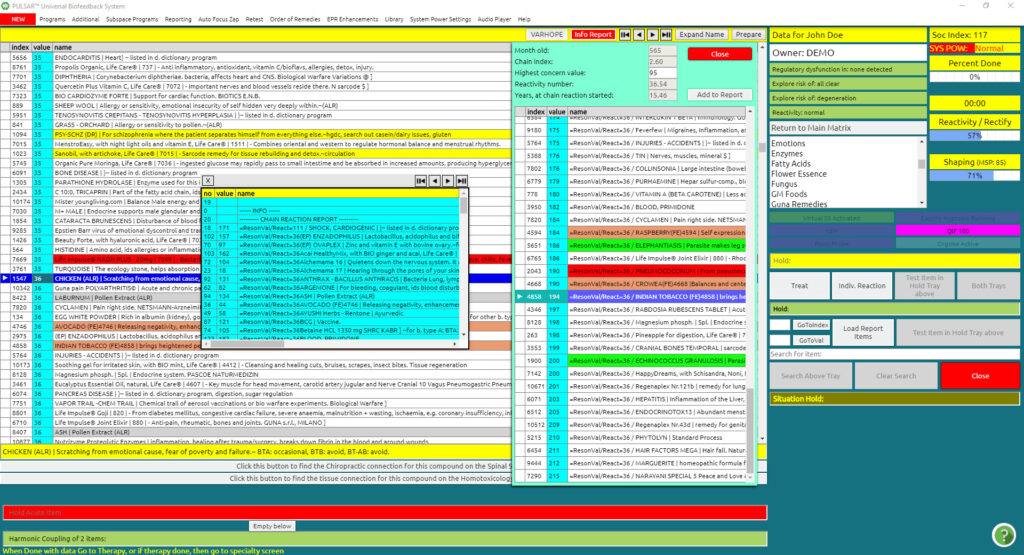
So now you are ready!
This is an excellent tool to get focused on your therapy, right from the start, on the root cause of your issues. It helps you to start your discussions with your client concerning the age of when it all got started.