

Short Video about the features of the Home use part of the PULSAR Software. This is mostly for people who want to use the ED.X and NUCLEUS, which is as simple as it gets.
DESCRIPTION
HOME USE
At this point, once you have done calibration, you have more options to choose from the main panel now in Bold.

The HOME USE is a program that is automatic and can use unconscious choices based on the result from calibration. It is a fantastic program, that does not require special education or certification to use, however, is very precise, accurate, and just as strong as the programs from the main matrix.
Click HOME USE ONCE
In order to select therapies/programs, you can either Click on SuperConscious Choice a few times, found at the bottom of the list of programs, so that the program chooses what the unconscious of the client needs, or you can select a therapy by clicking once on an individual therapy of choice based on your professional experience. As soon as a program is chosen, you can see it in bold.

By default the timer for each therapy is set at 1 minute, however, you may change the time according to what you think is best. The maximum time per individual therapy allowed is 20 minutes.
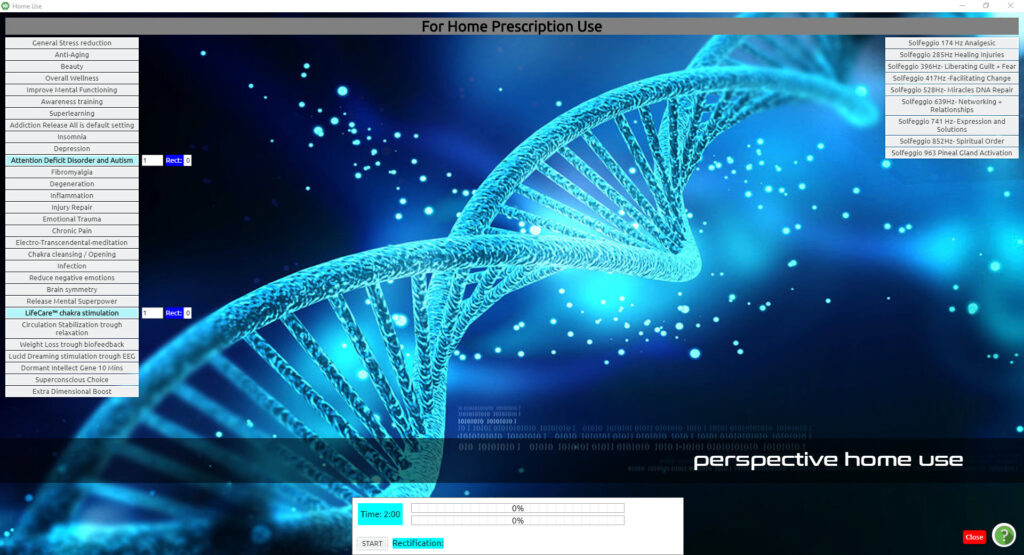
The total time of the programmed therapies is shown in blue at the bottom part of the panel. The maximum time of total programmed therapies allowed is one and a half hours.
When you are ready Click on Start on the white bottom part of the Home Use panel.
While the therapies are working you will notice that on the bottom white part of the panel, it shows which therapy the program is working on, how much percent and time is left to finish the therapy and the average of all program’s percent of rectification.
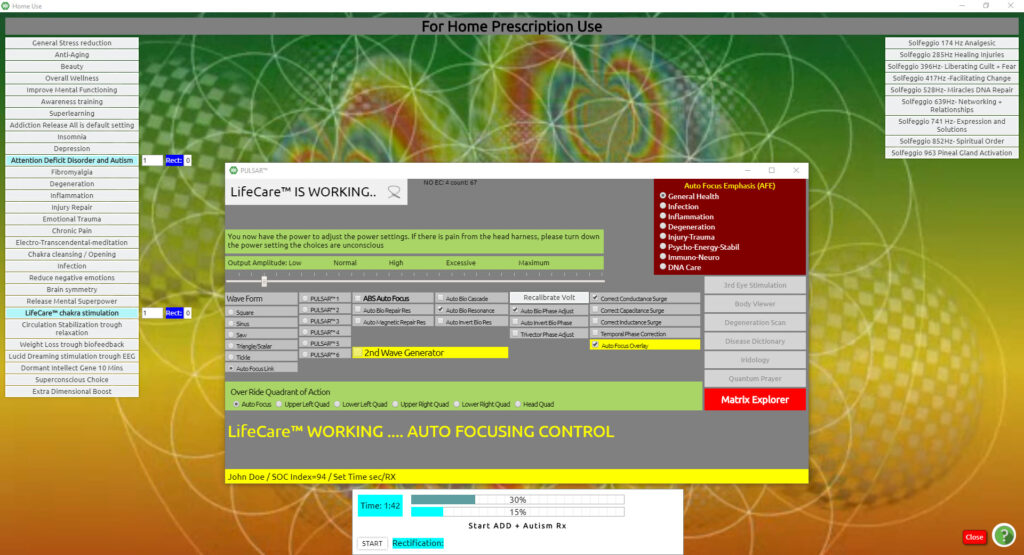
Upon completion of each therapy, a percentage is shown on the side of the timer at each individual therapy program.
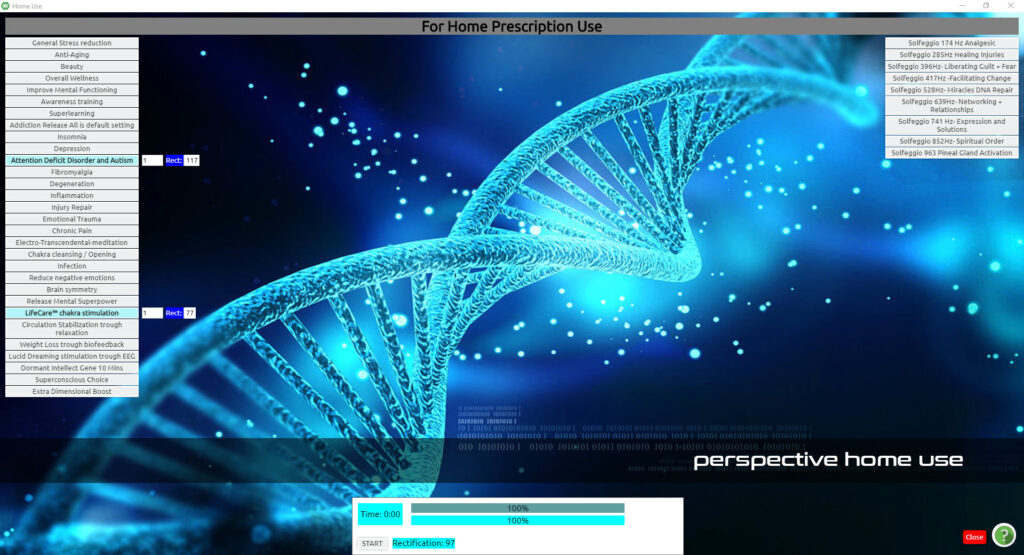
Upon completion of all the selected and programmed therapies, you see rectification results beside each selection and an average rectification result at the bottom.

If you wish to continue with more therapies you can click on other programs once to make them bold or to de-select a therapy, all you need to do is click on the selection once and the items will be de-selected.
Click close
To return to the main panel.