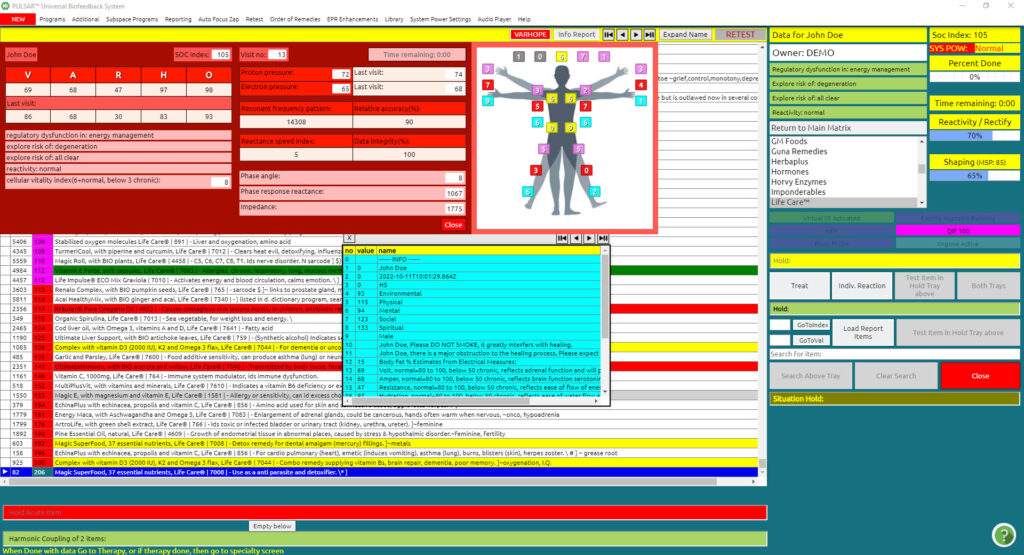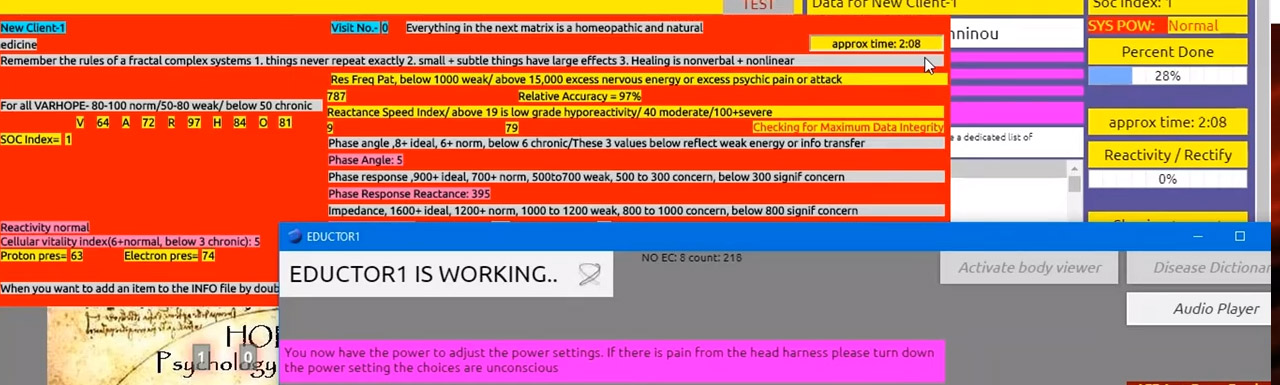
This is an educational video for the PULSAR software, describing the testing part of the software.
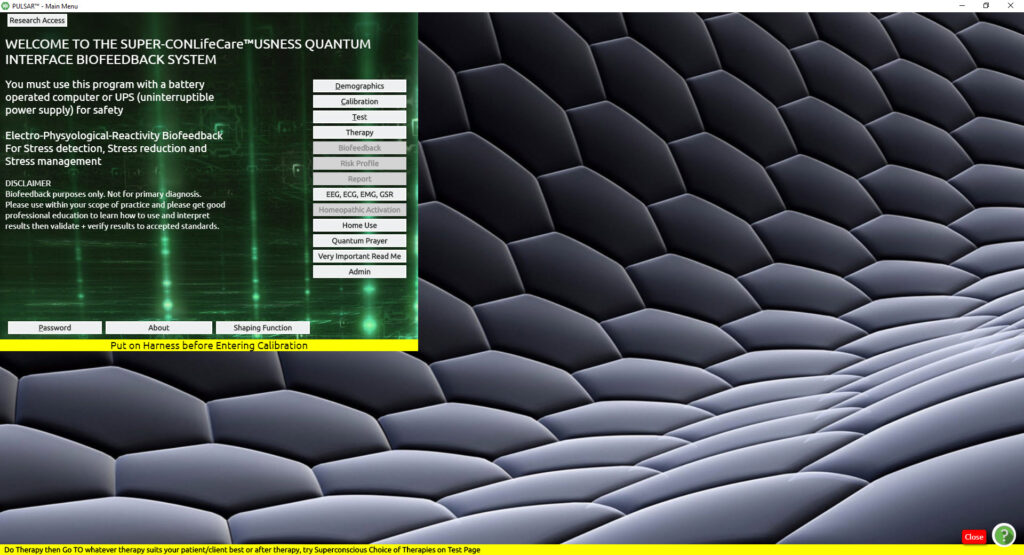
This process will reveal the body’s response to over 10,000 frequencies, showing potential weaknesses and strengths.
After the Calibration process mentioned above, we are ready to proceed with Testing.
Click Test (from the Main Menu)
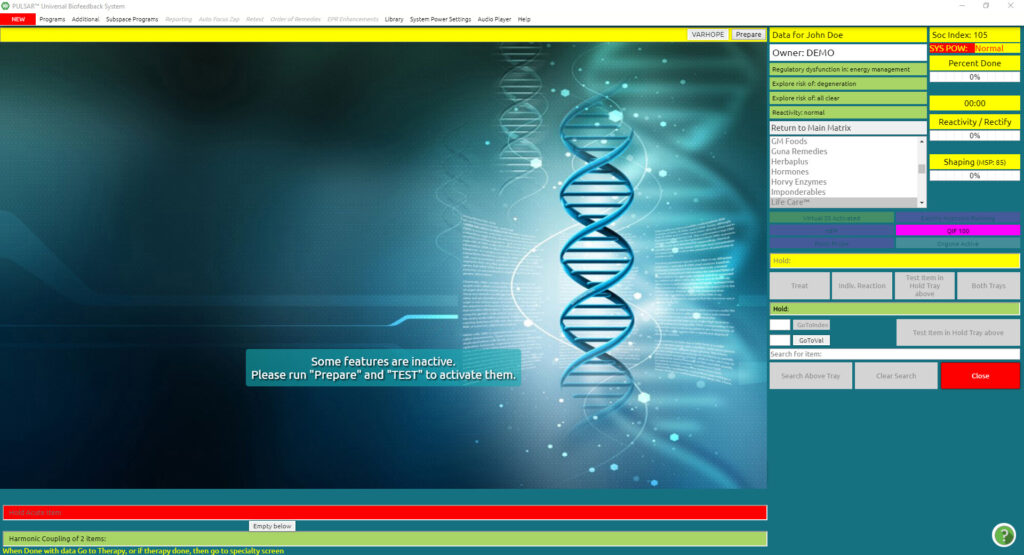
After clicking TEST, you enter the panel where you can prepare for Testing. In this panel, you will notice the VARHOPE panel in red, which are the first reactions that come up after Calibration. Please refer to the section for VARHOPE INTERPRETATION.
Click Prepare [top right and center of the screen (by the arrows)]
As soon as Prepare is pressed, a small electrical pulse is sent to the client to prepare them for testing. Once preparation is done, this button now gives you the prompt for TEST.
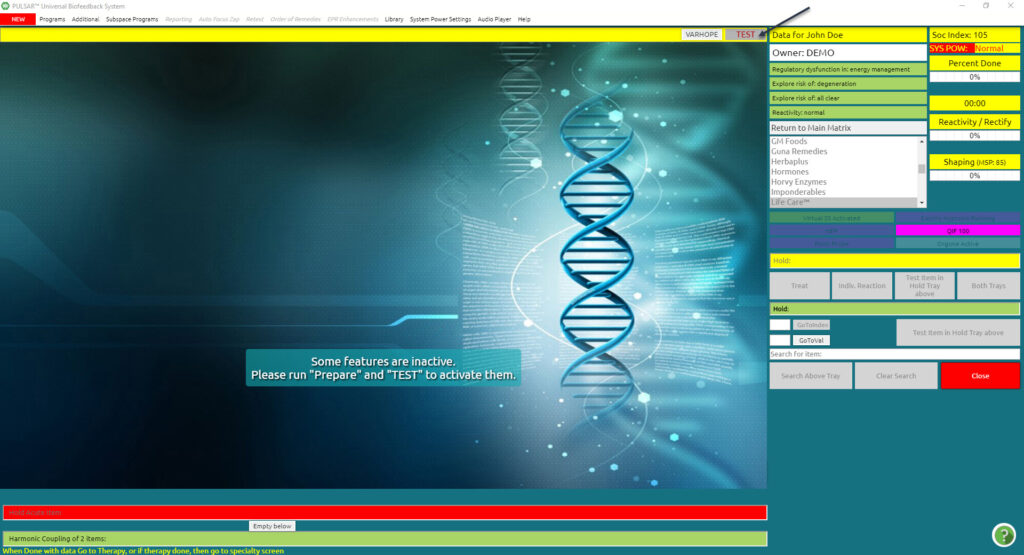
- Note:
A client should remain relaxed and still and refrain from speaking during the testing process. It is also important to refrain from crossing arms, legs, or interlacing fingers during the entire session; this helps to keep the meridian flow open.
Click TEST
WAIT for the test to complete. It approximately 3 minutes. There is a yellow box in the upper right-hand corner of the VARHOPE PANEL and the screen that tells you the amount of time left for the testing process.
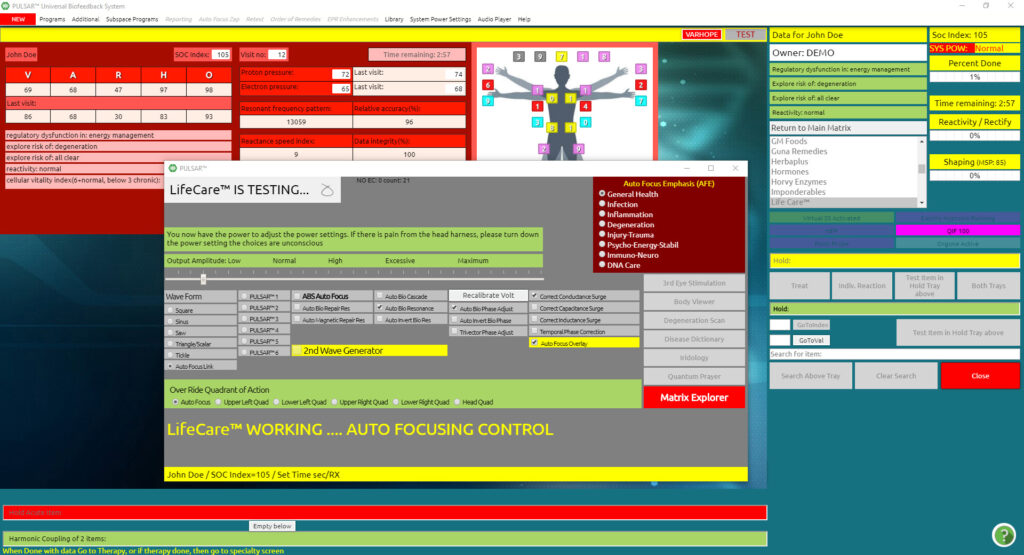
When Testing is over the screen is automatically transferred to the main matrix where all results from testing are shown, and the blue info grid is also automatically opened.